
Level Up Your Hosting: Why You Should Buy a High-Performance Cloud VPS Server
In the digital landscape of 2026, the term “VPS Server” no longer conjures images of outdated, sluggish virtual machines. Today’s VPS is synonymous with Cloud Computing, offering dedicated resources, instant scalability, and blistering performance driven by next-generation hardware like NVMe SSDs and high-core CPUs.
For growing businesses, serious developers, e-commerce platforms, and high-traffic applications, buying a traditional shared hosting plan is a critical bottleneck. You need guaranteed speed, unshared power, and the ability to scale on demand.
This comprehensive guide is designed to walk you through the process of choosing and purchasing the ideal High-Performance Cloud VPS Solution. We’ll break down the technical specifications that truly matter, compare managed vs. unmanaged options, and ensure you make a smart investment in your digital future.
Part 1: Why Upgrade to a Cloud VPS Now?
If you are experiencing any of the following issues on your current hosting plan, it is time to move to a dedicated Cloud VPS environment:
1. Performance Inconsistency (The “Noisy Neighbor” Problem)
On shared hosting, your site shares resources with hundreds of others. When a “neighbor” site gets a traffic spike, your speed suffers dramatically. A Cloud VPS uses KVM virtualization to ensure your allocated CPU, RAM, and disk space are dedicated and guaranteed. Your performance will be stable and predictable.
2. Traffic Spikes and Scalability Issues
If your business experiences predictable traffic spikes (seasonal sales, marketing campaigns) or unpredictable viral traffic, a standard server will crash. Cloud VPS providers offer instant scalability, allowing you to upgrade your CPU and RAM within minutes or even automatically scale resources to handle demand.
3. Security and Isolation
Because your VPS is a separate container, it is isolated from other users. This dramatically reduces the risk of cross-contamination from a security breach on another website on the same physical server. You have dedicated firewall control and greater encryption options.
4. Root Access and Customization
Shared hosting is restrictive. A Cloud VPS gives you full root access (on unmanaged plans), allowing you to install a custom operating system, specific web servers (NGINX, LiteSpeed), and any proprietary software or development stacks your application requires.
Part 2: What to Look for When You Buy VPS Server Power
When comparing providers, look beyond the simple price tag. The true value lies in the underlying hardware and service model.
1. NVMe SSD Storage: The Speed Difference
This is arguably the most important component for a high-performance VPS in 2026.
-
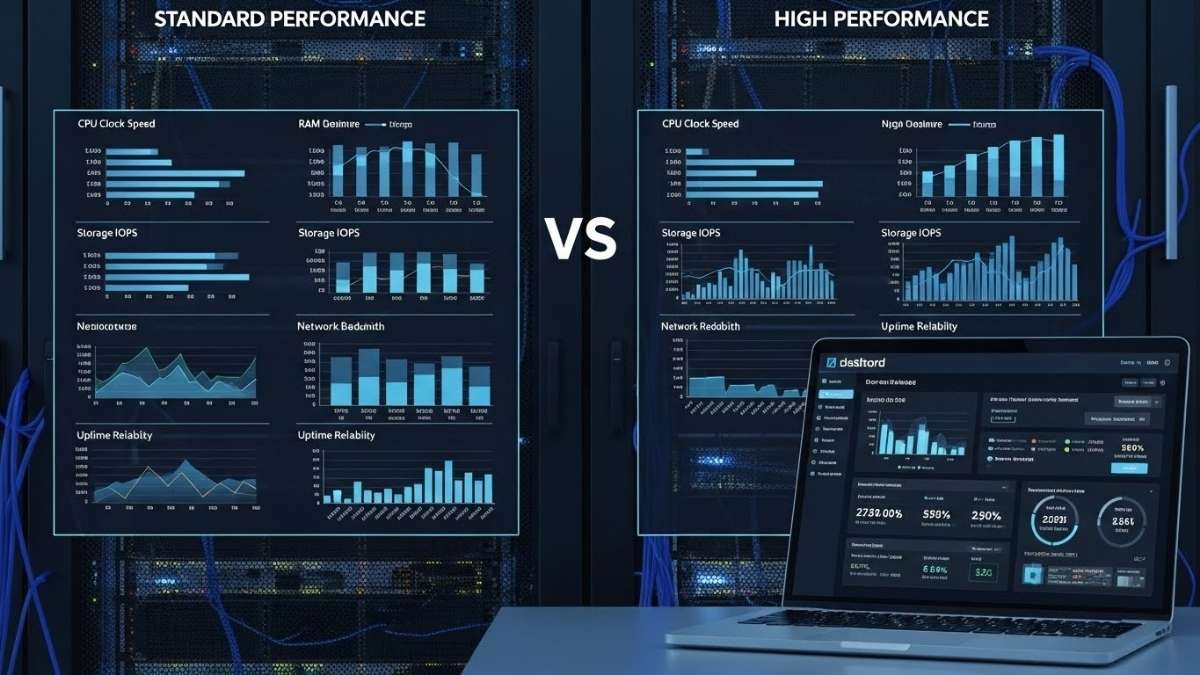
Standard SSD vs. NVMe: NVMe (Non-Volatile Memory Express) SSDs communicate directly with the server’s CPU, bypassing slower interfaces. They deliver significantly higher Input/Output Operations Per Second (IOPS) than traditional SSDs.
-
Developer Impact: Faster IOPS means quicker database queries, faster application loading, rapid file access, and accelerated code compilation—all critical for development and high-traffic applications.
-
The Rule: Never buy a VPS that doesn’t advertise NVMe or high-performance SSD storage.
2. Dedicated vs. Burst CPU
A VPS is only as fast as its processor.
-
Dedicated Cores: The best cloud platforms (like DigitalOcean and Vultr) offer plans where the CPU cores are guaranteed to be yours, ensuring consistent high speed.
-
High-Frequency CPUs: Look for servers running newer, high-clocked processors (often specified by the provider) that can execute requests faster.
3. Bandwidth and Network Throughput
While most providers offer high bandwidth, investigate the port speed (e.g., 1 Gbps or 10 Gbps) and the quality of their network (redundancy, low latency). A high-speed port is essential if your site serves large files, video, or handles a massive amount of simultaneous users.
4. Hourly Billing and Resource Flexibility
One of the biggest advantages of Cloud VPS solutions is the pricing model.
-
Hourly Billing: Ideal for developers and testers. You can spin up a powerful server for a few hours to run a benchmark, test a deployment, or practice a configuration, and only pay for that brief usage time.
-
Snapshots and Cloning: The ability to instantly clone your server environment (creating a “snapshot”) is invaluable for testing new features or rolling back catastrophic errors.
5. Data Center Location and CDN
Choose a VPS server located geographically close to the majority of your target audience to minimize latency. If your audience is global, ensure the provider offers:
-
Multiple Data Centers: The option to deploy your server in North America, Europe, Asia, etc.
-
Integrated CDN: An optional (or included) Content Delivery Network to cache your static files globally.
Part 3: The Critical Choice: Managed vs. Unmanaged
Before you click “Buy VPS Server,” you must decide on the level of technical involvement you are willing to take on.
1. Unmanaged Cloud VPS (The DIY Sysadmin)
-
What it is: The host installs the operating system (e.g., Ubuntu, CentOS) and gives you the root login.
-
Pros: Lowest Cost, maximum control, and total freedom to install any software stack (Docker, Kubernetes, custom kernels).
-
Cons: You are responsible for everything: OS updates, security patching, firewall configuration, backups, and fixing all errors. A single missed patch can result in a security breach.
-
Who Should Buy: Experienced developers, system administrators, and anyone comfortable operating solely via the command line (SSH/CLI).
-
Top Unmanaged Providers: DigitalOcean, Vultr, Linode.
2. Managed Cloud VPS (The Hands-Off Solution)
-
What it is: The host handles all server maintenance, including security patches, core OS updates, initial software setup (e.g., cPanel or a proprietary panel), and ensuring guaranteed uptime.
-
Pros: Maximum Reliability, premium performance with zero technical hassle, dedicated support for server-side issues.
-
Cons: Higher cost, less freedom to install complex, niche custom software.
-
Who Should Buy: Small business owners, e-commerce site owners, agencies, and anyone who needs dedicated power but wants to focus entirely on their website/application.
-
Top Managed Providers: Cloudways, ScalaHosting, Liquid Web.
Pro Tip:
For a small business owner, the extra cost of a Managed Cloud VPS is often cheaper than hiring a sysadmin or dealing with hours of downtime trying to fix a security issue yourself.
Part 4: Step-by-Step Guide: Buying Your VPS Server
Follow these steps to confidently select and purchase the right high-performance solution:
Step 1: Determine Your Resource Level
-
Entry-Level (4-8 GB RAM, 1-2 vCPU): Ideal for development, staging, small-scale WordPress, or simple APIs.
-
Mid-Level (8-16 GB RAM, 4+ vCPU): Ideal for moderate e-commerce, high-traffic blogs, or moderate SaaS applications.
-
High-Level (32+ GB RAM, 8+ vCPU): Ideal for complex, resource-intensive applications, large databases, or high-volume enterprise e-commerce.
Recommendation: Always start slightly lower than you think you need, especially with Cloud VPS, as upgrading is typically instantaneous.
Step 2: Choose Your Service Model
-
Select Unmanaged if you are a Linux veteran.
-
Select Managed if you value your time and peace of mind.
Step 3: Verify the Performance Hardware
Look for the keywords: NVMe SSD, KVM Virtualization, and Dedicated CPU. If the provider doesn’t list the storage type, assume it’s slower.
Step 4: Select the OS Template
If you choose Unmanaged, you’ll pick your Operating System. Most developers choose a modern, stable Linux distribution:
-
Ubuntu (LTS version): Most common, huge community, best for modern deployment.
-
CentOS/Rocky Linux: Great for stability and traditional control panels (like cPanel).
-
Windows Server: Required if you need to run ASP.NET or other Windows-exclusive applications (typically higher license cost).
Step 5: Review the Billing Terms
If you are just testing, use a provider with Hourly Billing. If you are deploying a long-term production application, committing to a 12-month or 36-month plan will secure a lower rate, but always check the renewal price!
Step 6: Deploy Instantly
Most modern cloud VPS platforms (DigitalOcean, Vultr, etc.) can spin up your chosen server and OS in under 60 seconds. Once the IP address is provided, you can immediately connect via SSH and begin your configuration.
Also Read: The Core Engine: Fastest VPS Hosting for Developers
Final Thoughts
Buying a high-performance Cloud VPS Server is a necessary investment for any operation that depends on speed, stability, and scale. By moving from the unpredictable environment of shared hosting to a dedicated cloud solution, you are not just purchasing disk space; you are securing dedicated computational power, ensuring peak performance for your users, and guaranteeing the future scalability of your business.
Focus on NVMe SSDs, dedicated cores, and the right managed/unmanaged balance, and your new VPS will serve as the powerful foundation your application needs to thrive in 2026.